
Is Your CV Actually ATS-Friendly? 8 Things Professionals Should Know Before Applying This September
Grace had spent twelve years building a strong finance career, and when she decided it was time for a senior role, she invested in a beautifully designed CV a two-column layout, an icon-based skills section, a shaded sidebar for her contact details. It looked impressive on screen. It was also almost unreadable to the applicant tracking systems she was applying through. Grace was applying to roles she was clearly qualified for and hearing nothing back — not even a rejection. When she brought her CV to KETH, the problem was obvious within minutes: the ATS parsing her applications couldn’t read half the document. Her experience wasn’t the issue. Her formatting was quietly filtering her out before a human ever saw her name.
Know what an ATS can and can’t read
Applicant tracking systems extract text from your CV to build a searchable candidate profile. Multi-column layouts, text boxes, tables, headers, footers and graphics often don’t parse correctly — sometimes entire sections disappear from what the recruiter sees. A clean, single-column document with standard fonts and simple formatting will always be read correctly, even if it looks less ‘designed.’
Pro tip: If you’re not sure how your CV parses, copy and paste its content into a plain text file — if it’s a jumbled mess, so is what the ATS sees.
Keywords matter, but only when they’re relevant
It’s true that ATS software matches keywords from the job description to your CV. But stuffing in every possible keyword — including ones that don’t reflect your actual experience doesn’t help you. It gets flagged by more sophisticated systems and, more importantly, falls apart the moment a human asks you about it in an interview. Use the language of the job description naturally, where it’s true.
Pro tip: Mirror three to five specific phrases from the job posting itself, not generic industry buzzwords.
File type and section labels matter more than people realise
Save your CV as a Word document or a text-based PDF, never an image or a scanned file. And use conventional section headings — ‘Work Experience,’ ‘Education,’ ‘Skills’ rather than creative alternatives like ‘My Journey’ or ‘What I Bring.’ ATS software is built to recognise standard structures; anything unconventional risks being misread or ignored entirely.
Pro tip: Name your file professionally too ‘FirstName_LastName_CV.docx’ reads better than ‘CV_Final_v3_edited.docx.’
The ATS is only the first gate – write for the human after it
An ATS-friendly CV gets you through the system. It doesn’t get you the interview. Once a recruiter opens your CV, they’re reading for evidence, clarity and relevance — not just keyword density. The goal isn’t to trick the software; it’s to build one document that passes the filter and then genuinely persuades the person reading it next.
Pro tip: After optimising for ATS, read your CV once more purely as a human — does it actually tell a compelling story?
Once Grace’s CV was rebuilt in a clean, ATS-readable format — without losing any of the polish she wanted — she started hearing back within days. If you suspect your formatting might be working against you, KETH offers a free CV review to check exactly that.
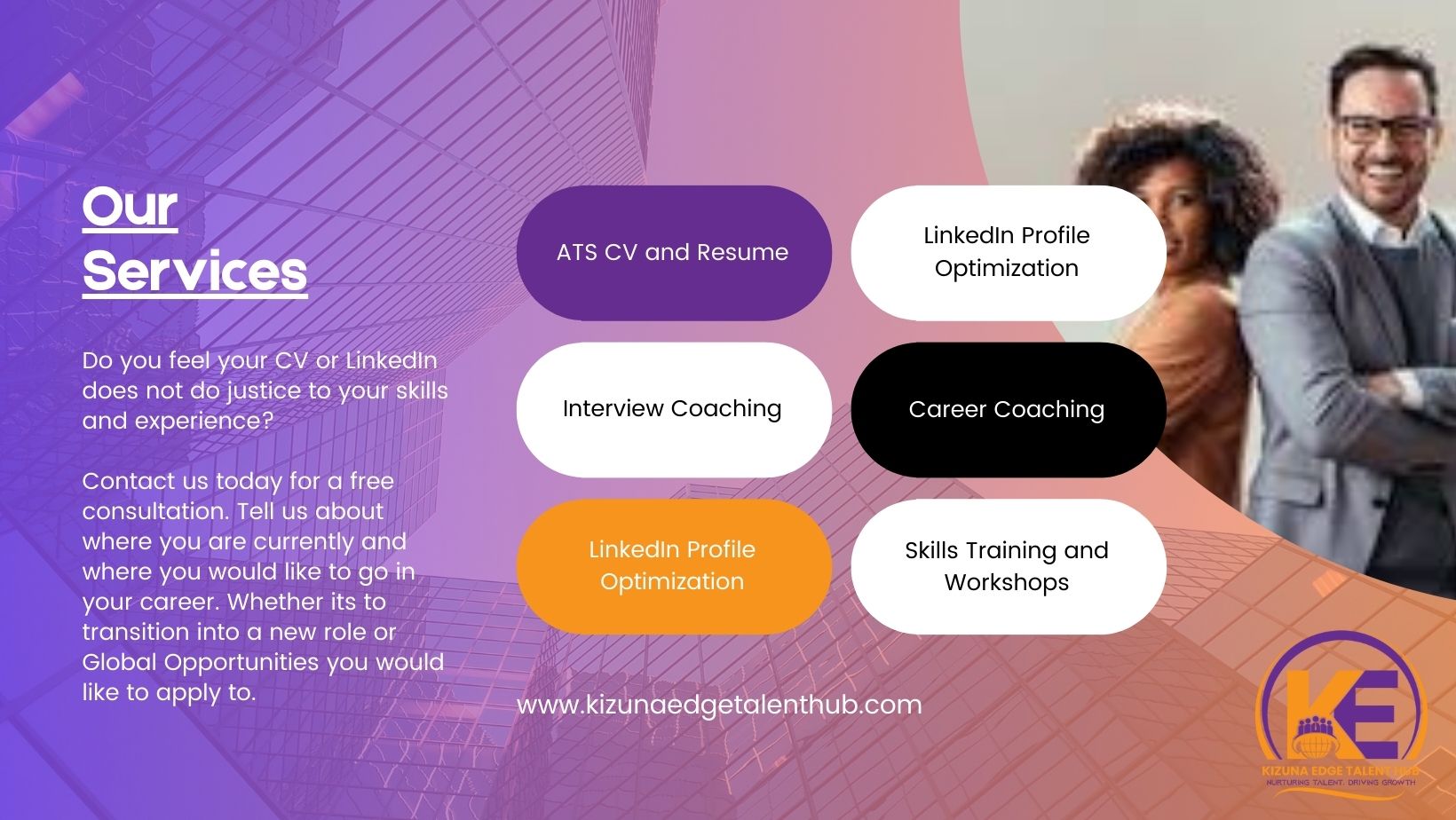
Reach out to us for a CV and Linkedin Review
Email: kethafrica@gmail.com or Call/WhatsApp: 0742118284 #kethafrica #jobs #jobsinafrica #cvwriting #jobsearch
Discover more from Kizuna Edge Talent Hub
Subscribe to get the latest posts sent to your email.